At shift start, a warehouse team may arrive within a few minutes. Paper sign-in sheets and messages sent afterwards make attendance harder to review. An RFID time attendance system records events at the attendance point and brings them into HR records.
1. Prepare the attendance point
Configure the reader for the attendance application and assign cards to the appropriate employees. Test a demonstration card and confirm that its event reaches the correct terminal and HR service. A connected reader alone does not prove that recording is complete.
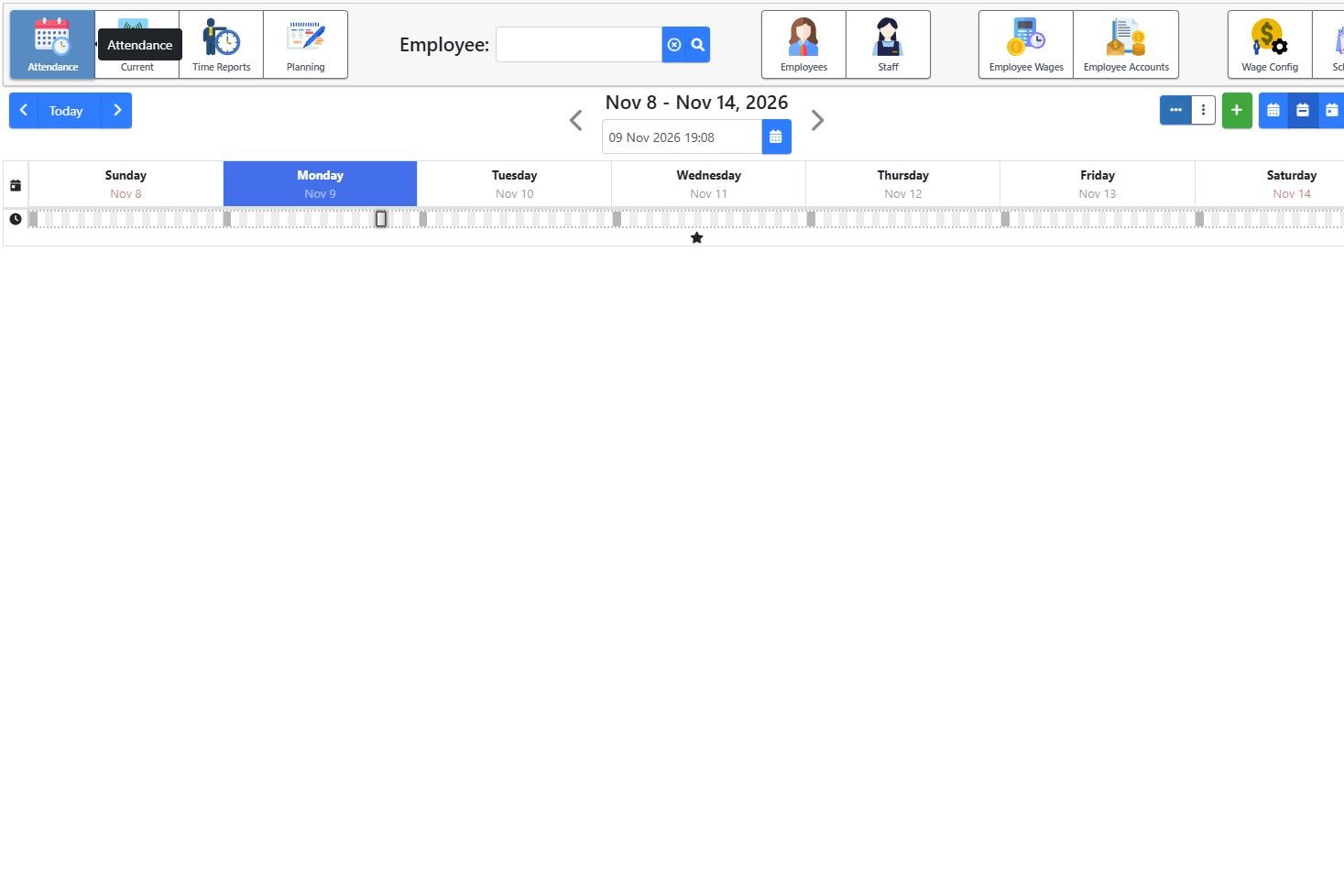
2. Record arrival
Illustrative example: Operator A is scheduled to start at 07:00 and presents a card at 06:57. The employee checks the application confirmation according to the terminal configuration. If the expected confirmation does not appear, the responsible person should investigate; repeatedly scanning without checking can make events harder to interpret.
3. Record and review departure
At the end of the workday, the employee records departure. The reviewer checks both ends of the interval. A clock-in without a clock-out requires clarification; it is not enough to assume a complete working day.
4. Compare with the team schedule
In a warehouse with receiving, order preparation and dispatch teams, attendance shows people’s presence. It does not automatically establish the number of orders each person prepared or time spent on a particular operation. Those questions require suitable operational workflows and reports.
What to test in a demonstration
- Card reading on the proposed hardware and action confirmation.
- Clock-in, clock-out and the resulting report interval.
- How a missing record is clarified.
- Access for people reviewing attendance.
ERP Core attendance is available separately, without the complete ERP solution. Prepare employee numbers, locations and schedules for your demonstration.