Before consolidating attendance, check that the report matches the recorded arrival and departure events. A planned schedule and actual attendance are different facts. The schedule defines the expected interval; events show the recorded times.
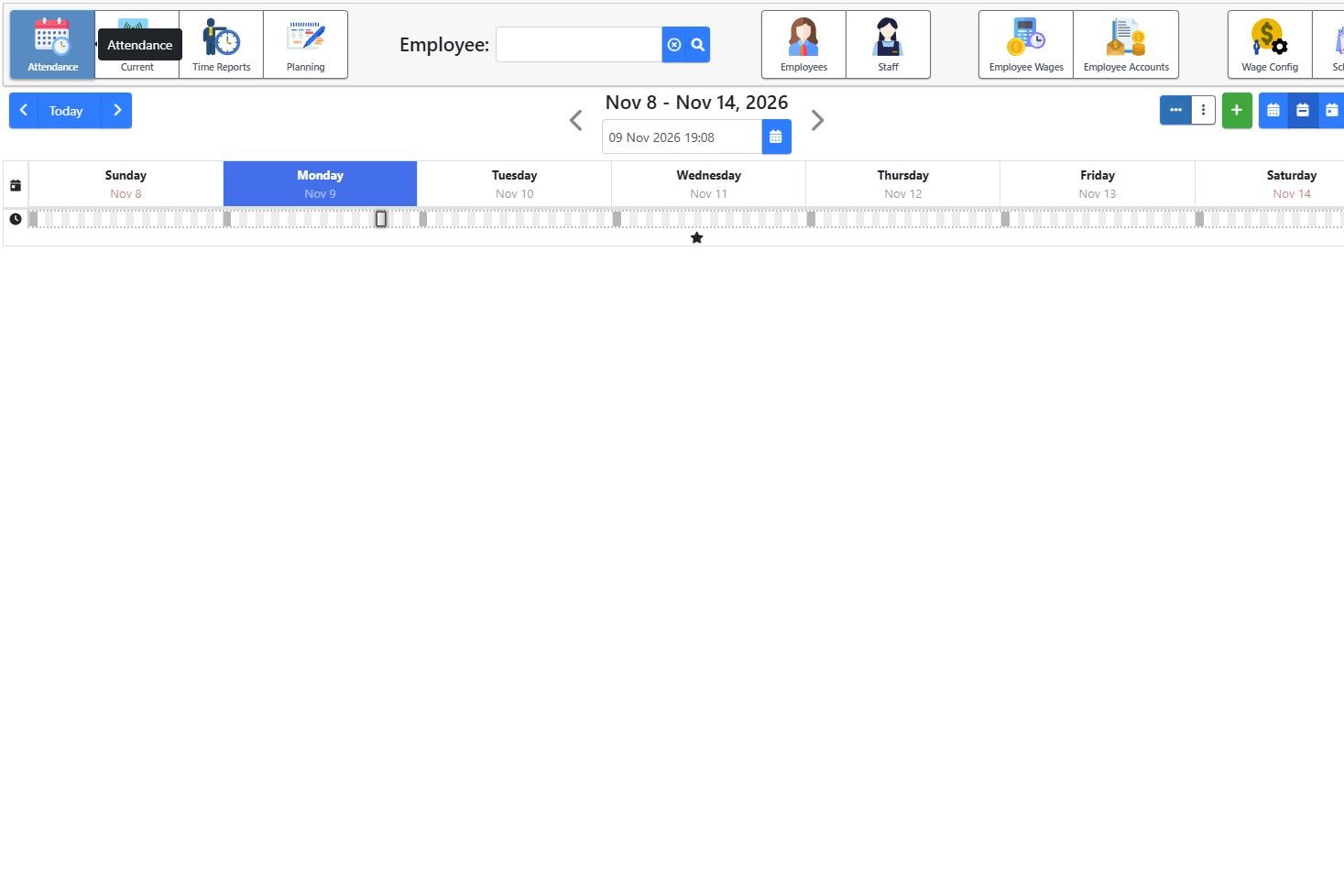
A concrete example
Illustrative scenario based on ERP functionality review, without personal data:
| Information | Time / interval | Check |
|---|---|---|
| Schedule | 09:00–17:00 | The schedule applicable that day |
| Clock-in | 08:58 | Start event |
| Clock-out | 17:01 | End event |
| Scheduled interval covered | 09:00–17:00 | This should not be confused with absence |
1. Select the right person and period
In the HR application, select the employee and review period. Check the schedule applicable to that day, rather than only today’s schedule: assignments can change between periods.
2. Review arrival and departure together
In this example, recorded attendance covers the complete planned interval. If the report also shows absence from 09:00 to 17:00, investigate before consolidation. Check events, schedules and any corrections without arbitrarily deleting information that does not match.
3. Review time outside the schedule separately
The two minutes before and one minute after the schedule do not automatically become approved overtime. Presence at the workplace, working time and approval of additional work must be interpreted under the applicable rules and actual circumstances.
4. Clarify incomplete records
If clock-out is missing, the responsible person checks the circumstances with the employee and available evidence. Corrections must reflect what actually happened. Do not automatically insert a convenient time simply to complete the report.
Useful in manufacturing and logistics
The same checks help a manufacturing department or warehouse with different schedules. For overnight shifts, explicitly include the case in the demonstration and validate the report across the complete interval.
Explore electronic attendance, available separately from ERP. This example concerns attendance records, not payroll calculations.