Blog
ERP Core articles, guides and documentation for teams working with inventory, sales, manufacturing and restaurants.
Concrete examples for everyday work in ERP Core.
ERP Core articles, guides and documentation for teams working with inventory, sales, manufacturing and restaurants.
What needs to be prepared, from which materials, and how far has the work progressed? A workshop or kitchen needs more than an order total: the product, components, quantity and responsibility must be clear. Workshop example: a product with several components A workshop prepares ten kits, each containing one body and four fasteners. Before starting, … Read more
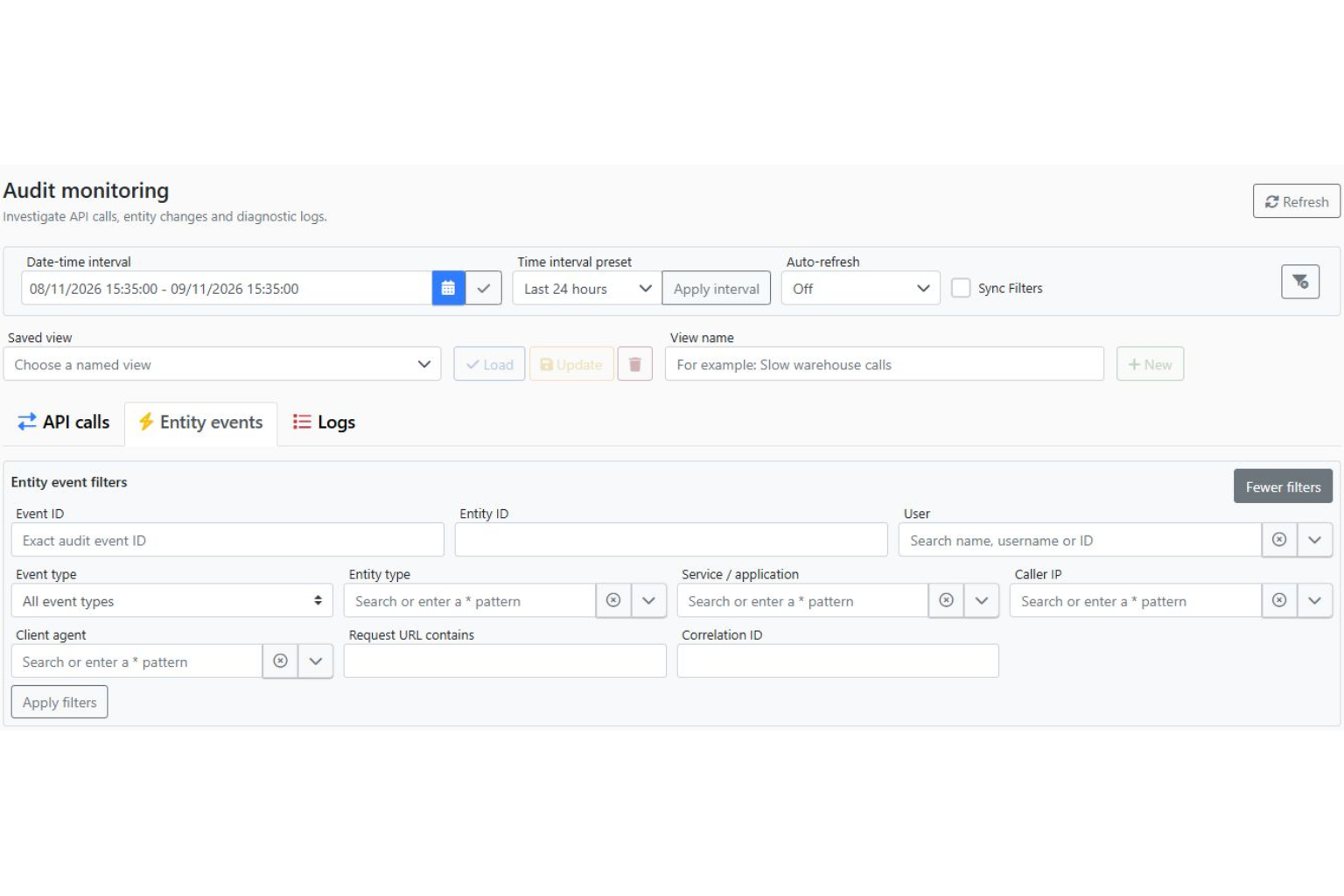
A quantity has changed. Who changed it, when and in what context? An ERP system needs organised access and a history that helps the team investigate operations. Example: a discrepancy noticed after receiving goods A process owner notices that a document value differs from what the operator reported. Before assuming an error, identify the document … Read more
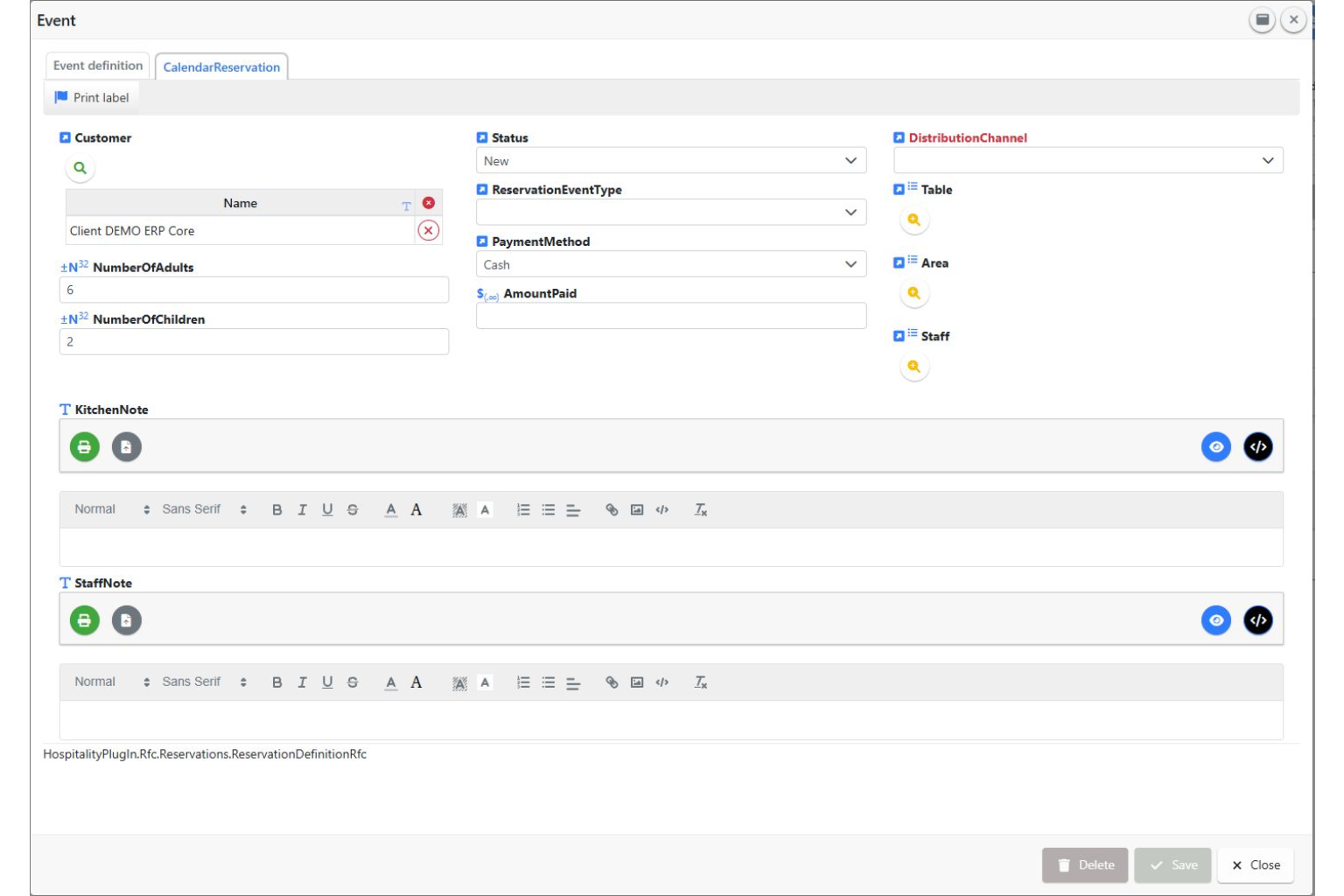
A changed reservation should reach the whole team, rather than remain in a message on someone’s phone. ERP Core includes a calendar and reservation records for organising activities and events. Example: a group grows from 8 to 12 guests A customer says the group will have 12 guests instead of 8 and requests a different … Read more
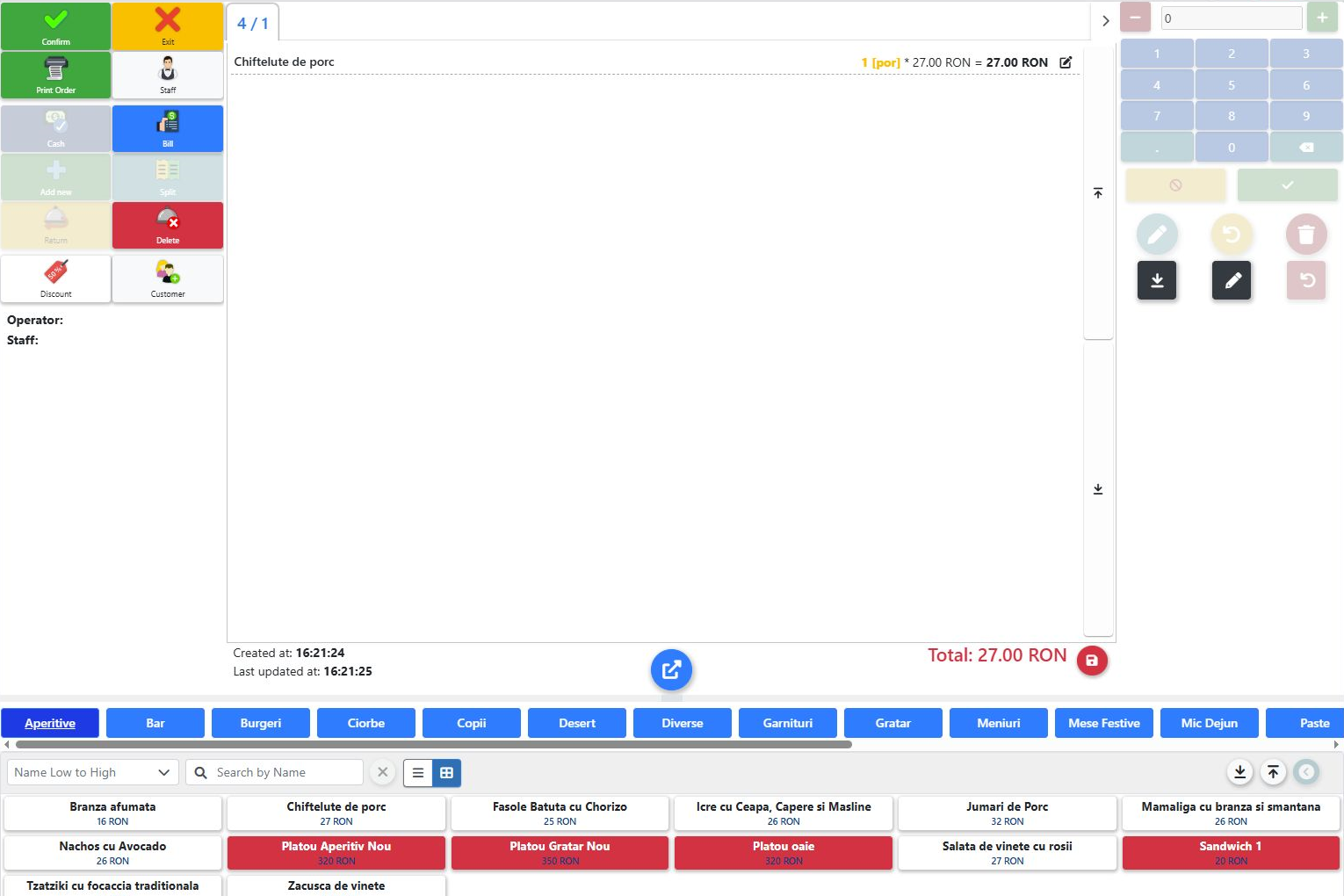
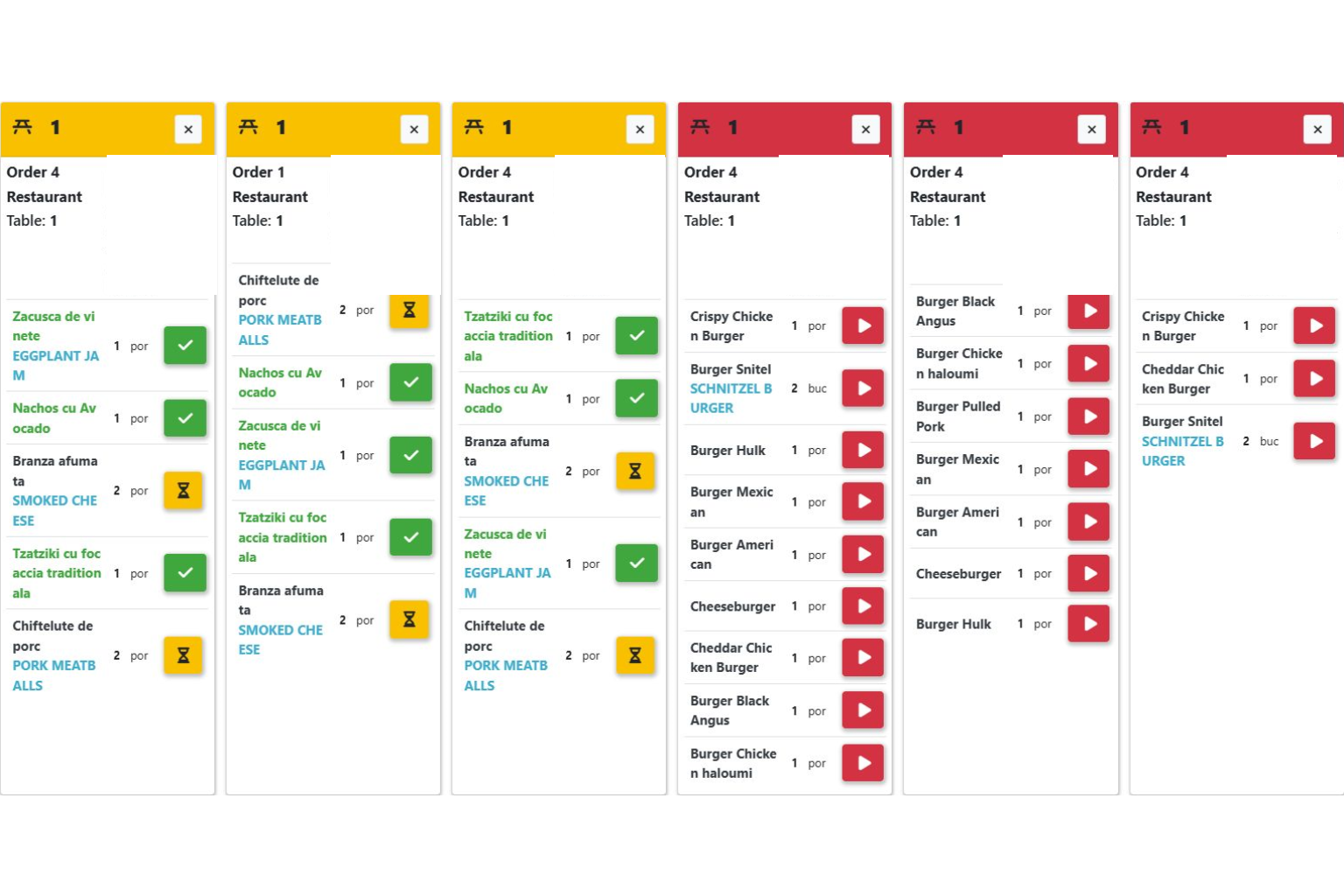
Looking for restaurant software that helps your team from ordering through to the kitchen? ERP Core connects products, tables and preparation in a POS workflow shaped around your venue. Schematic illustration. Actual order and kitchen screens appear below. 1. Take the order at the correct table In this demonstration, table 4 has an order for … Read more
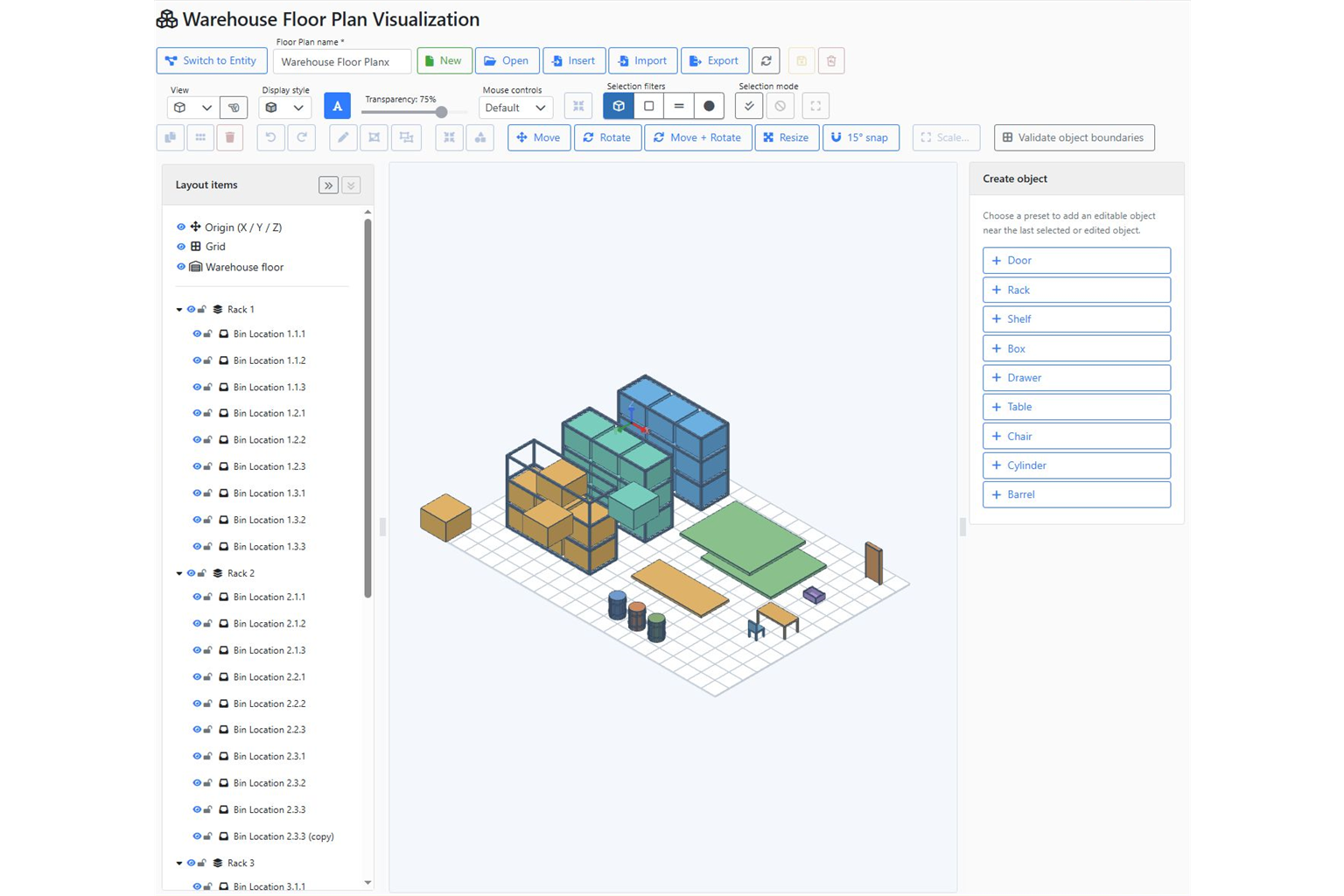
Screenshot of the ERP Core 3D warehouse editor. A shelf code is useful. Seeing where the shelf is can make it clearer. ERP Core links storage locations to a visual warehouse plan, helping the team move from stock information to the associated position in a 3D view. Example: a new colleague needs to find a … Read more
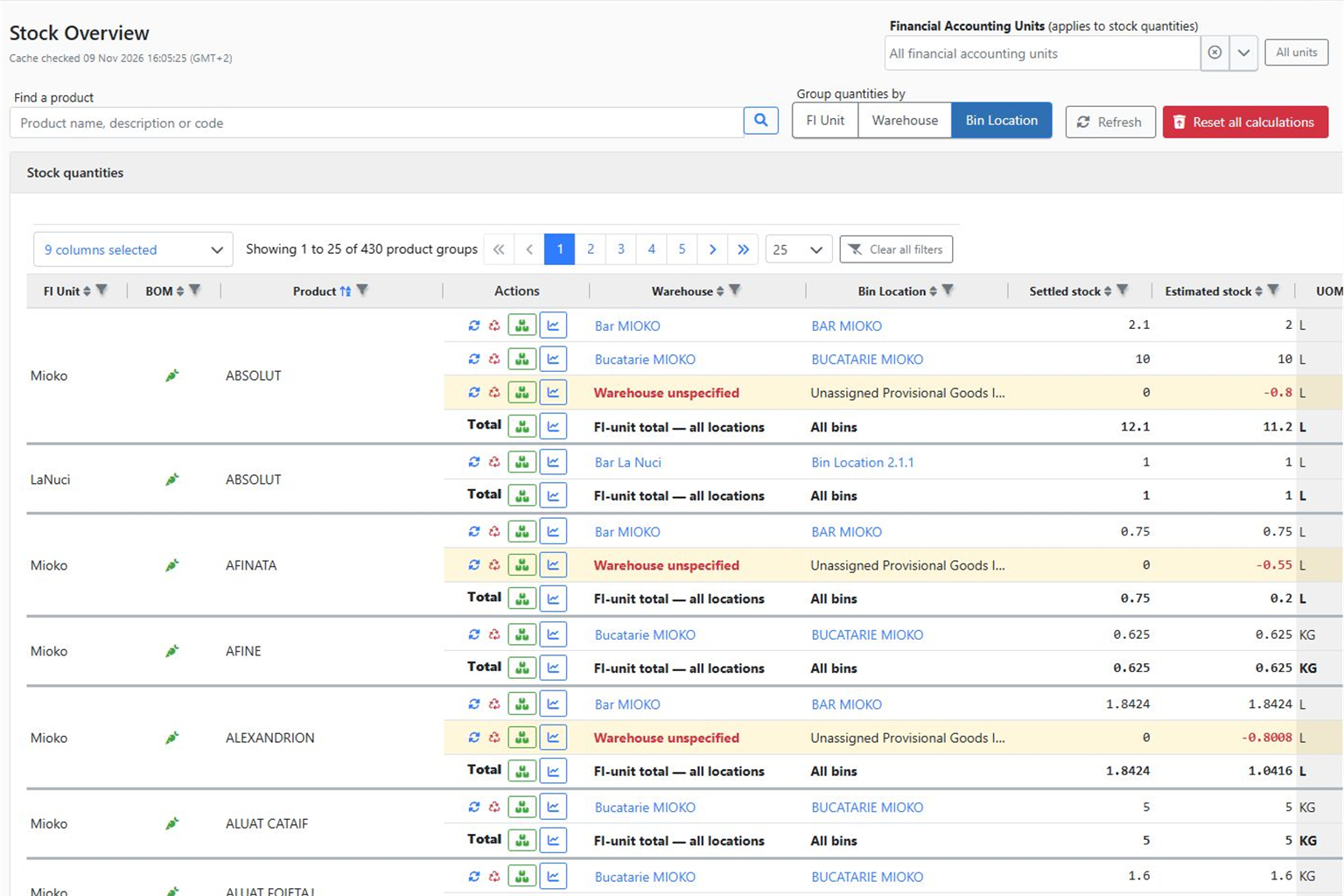
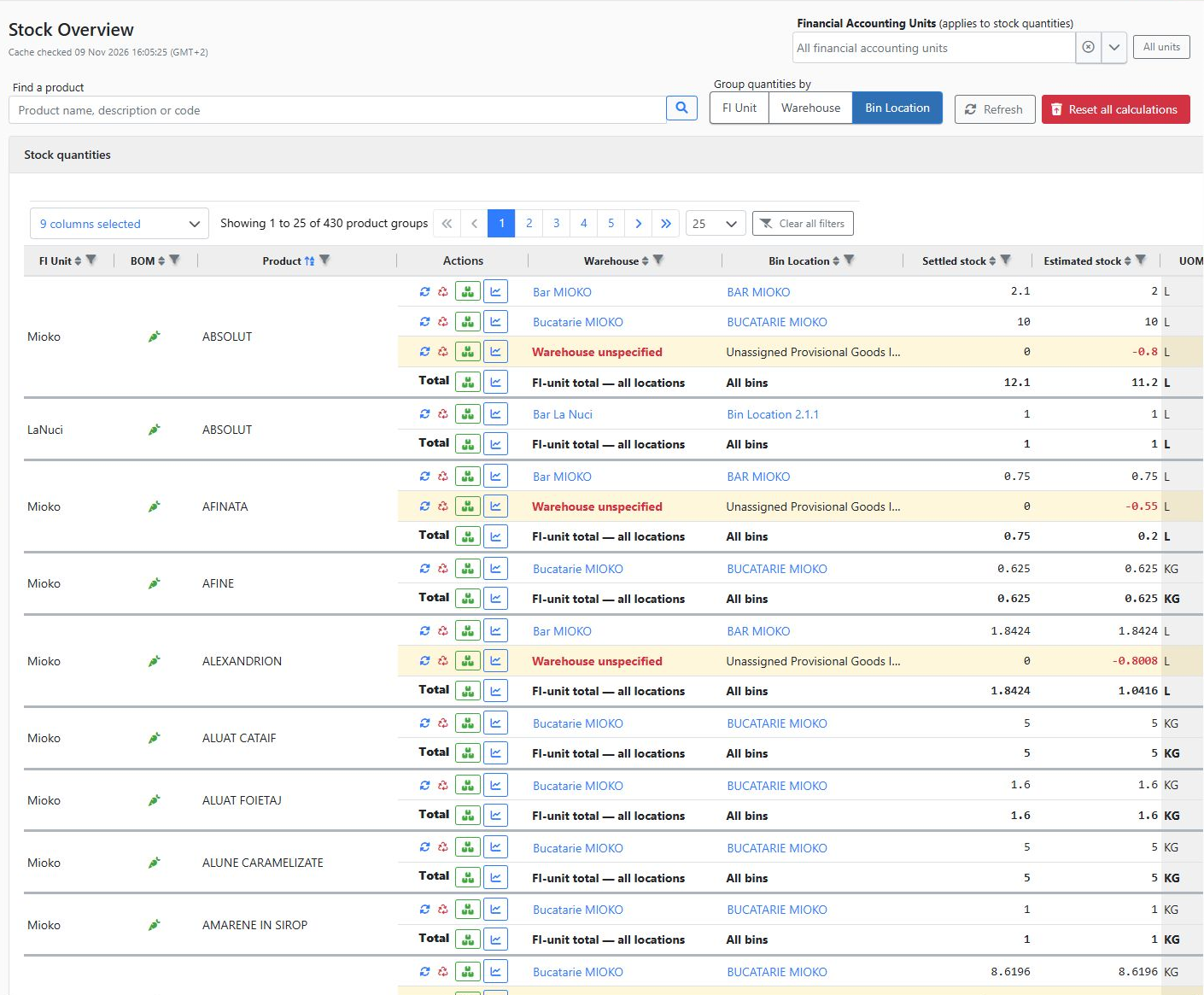
“Do we have it?” is only the first question. Next come “where?”, “how much?” and “which transactions explain the stock?”. ERP Core’s Stock Overview and product details help you check this information in context. Example: a customer needs 20 units You have 12 units in one warehouse and 15 in another. A total of 27 … Read more
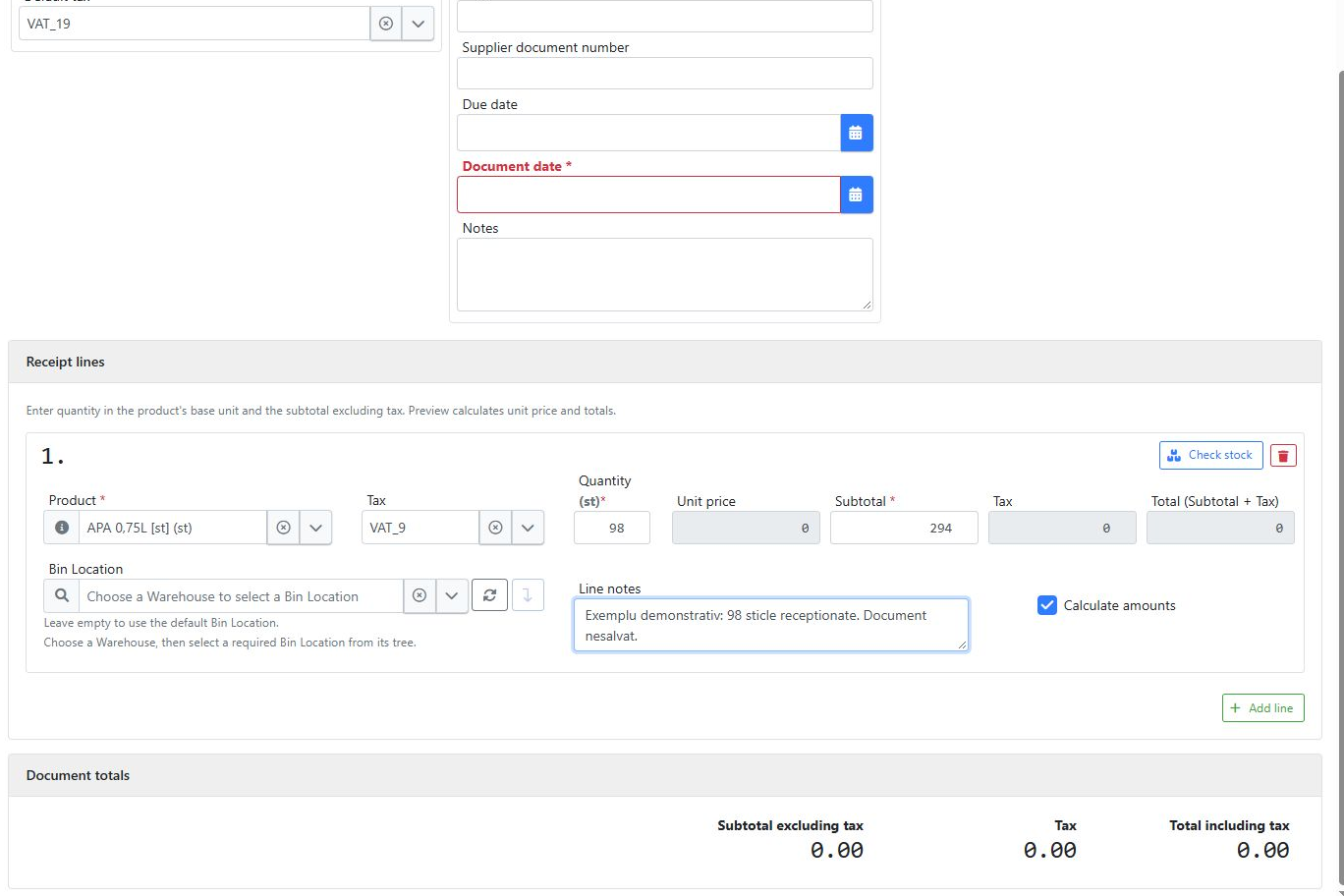
The delivery has arrived. How do you create a goods receipt that reflects what was actually received? In ERP Core, select the product and stock location, check existing inventory and enter the received quantities. Schematic illustration. The steps below use actual system screenshots. A practical example: 100 bottles on the delivery document, 98 received The … Read more