A quantity has changed. Who changed it, when and in what context? An ERP system needs organised access and a history that helps the team investigate operations.
 Example: a discrepancy noticed after receiving goods
A process owner notices that a document value differs from what the operator reported. Before assuming an error, identify the document and time window, then ask an authorised person to review recorded events. The purpose is to understand what happened and improve the process.
1. Narrow the time window and filter events
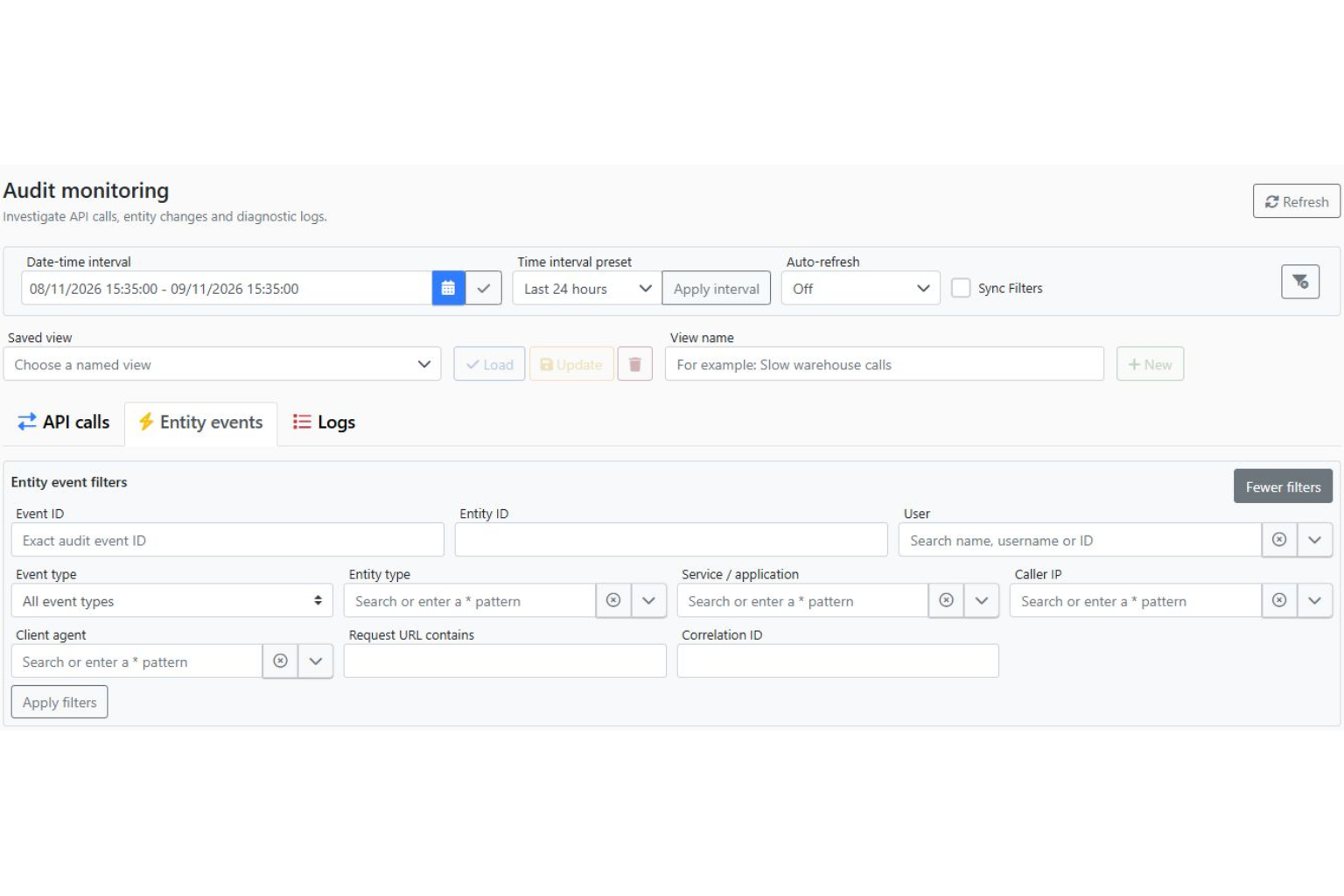
In Audit monitoring, select the period and information type: API calls, entity events or logs. When investigating a data change, filters for user, entity type and identifier help narrow the results.
2. Read the change in context
For events and fields covered by the audit configuration, details may include the time, associated user and previous and new values. Compare them with the document and workflow. A missing field in the audit does not prove that it was unchanged: first check capture and retention rules.
3. Define roles around responsibilities
- Operator: enters the data required for their work.
- Process owner: reviews documents and discrepancies within their permissions.
- Authorised administrator: configures access and uses monitoring tools.
These are examples of responsibilities, not promised predefined roles for every installation. Actual permissions are agreed during the project. The monitoring tools checked in this version are restricted to the administrative DBADMIN role.
What does the business gain?
Investigations based on facts, clearer responsibilities and access aligned with each person’s work. For a warehouse, the example might be a goods receipt; for a restaurant, an order; for a workshop, a production document.
Audit complements operating procedures and internal checks. During a demonstration, we identify the events you need to track and who should be able to review them.